
Clear your camera roll, one swipe at a time.
Sift shows your photos one by one. Swipe right to keep, left for the bin, then clear the bin in one go.
Get it on the App Store · Android coming soon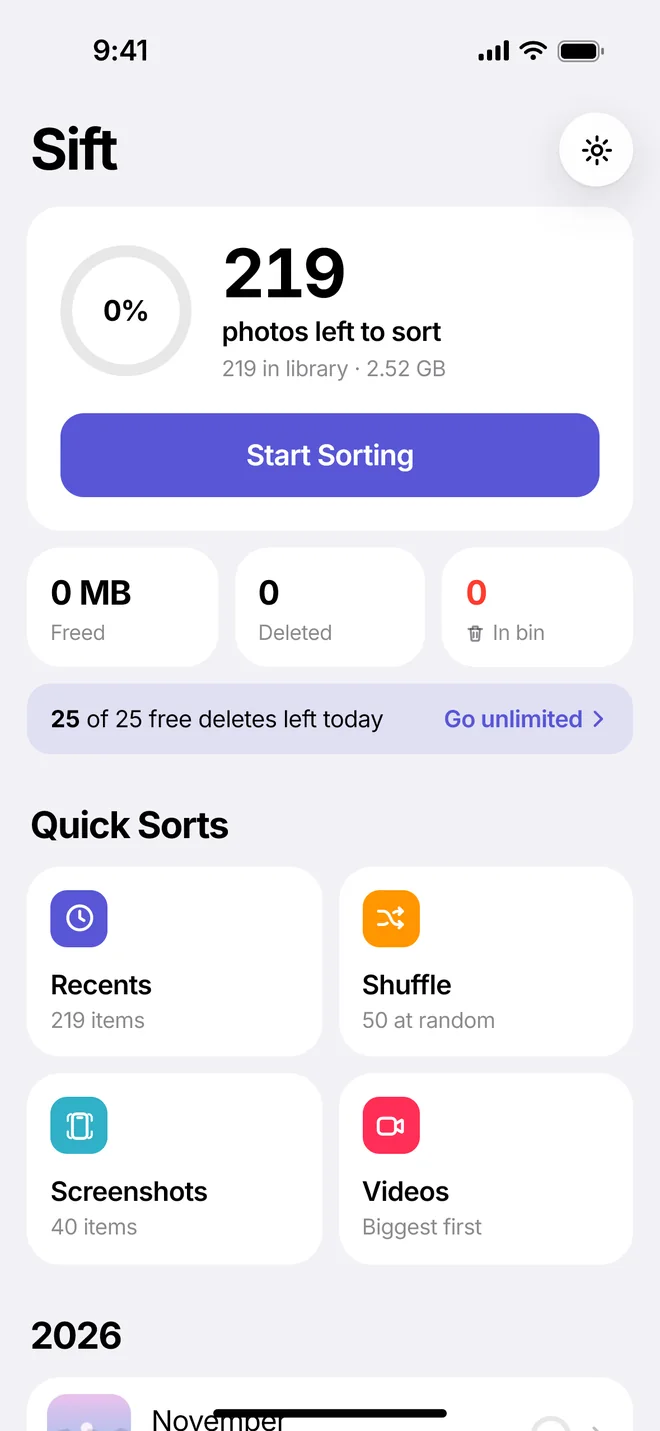
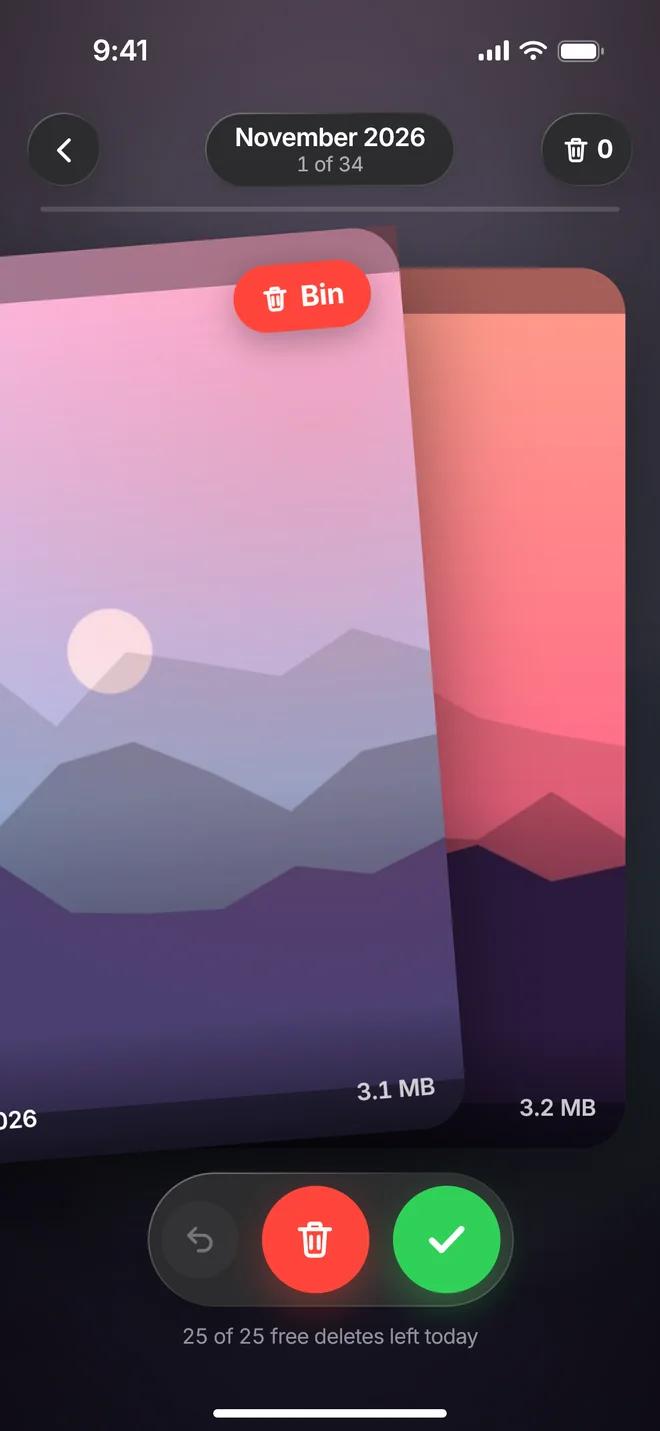
Swipe, don't scroll
One photo at a time, month by month. Screenshots and your biggest videos get their own quick sorts.
Nothing goes by accident
Everything waits in the bin until you say so. Deleted photos sit in Recently Deleted for 30 days.
Private by design
Your photos never leave your phone. No account, no uploads, no tracking.
Simple pricing
Sorting is always free. Pro clears duplicates in one tap, shrinks big videos, finds your biggest files, compares similar shots and removes the daily delete limit.
Yearly
About $1.67 a month.
Monthly
Cancel anytime.
Lifetime
Pay once, keep it.
Questions
Short answers.
Do my photos get uploaded?
No. Sift reads your library on your phone and nothing else. There’s no account and no server that ever sees a photo.
Where do deleted photos go?
On iPhone, to Recently Deleted in Photos. On Android, to the trash. Both keep them for 30 days, so you can get anything back.
Does Sift free up space right away?
Space frees up when your phone empties Recently Deleted or the trash (after 30 days), or right away if you empty it yourself in Photos.
How do I cancel Pro?
In your phone’s Settings: on iPhone, tap your name, then Subscriptions. On Android, open Google Play, then Payments and subscriptions.
Can I get Sift Pro for free?
If you were given a code, yes. On iPhone, open Settings in the app and tap Redeem a Code. On Android, tap Invite Code.